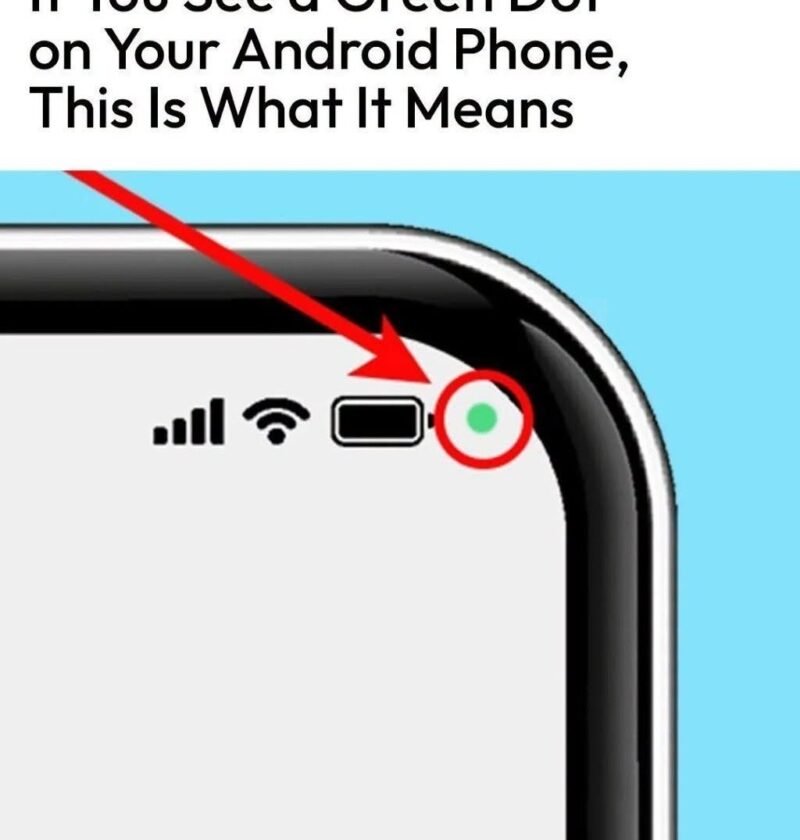
How to See Which App Is Using It
-
Swipe down from the top of your screen to open the Quick Settings shade.
-
Look at the top-right corner—the green dot expands into a green pill icon showing a camera, microphone, or location symbol.
-
Tap the green pill to see the exact app name currently accessing that sensor, along with a shortcut to manage or revoke its permissions.
Common Reasons It Appears
| Scenario | Why It Happens |
| Video or voice calls | Apps like WhatsApp, Zoom, or Google Meet need continuous camera and microphone access while a call is active. |
| Voice assistants | Saying “Hey Google” or triggering Gemini activates the microphone briefly to process your voice command. |
| Camera or social apps | Opening the Camera, Instagram, Snapchat, or TikTok activates the camera sensor immediately. |
| Navigation or ride-hailing | On newer Android versions (Android 14+), maps and delivery apps trigger the green indicator when accessing precise location. |
When to Take Action
-
Unexpected activation: If the green dot appears while your phone is idle on the home screen and you haven’t used voice commands or a call, tap the pill to identify the culprit.
-
Revoking access: Open Settings > Security & privacy > Privacy dashboard (or Privacy > Permission manager) to view a 24-hour timeline of which apps accessed your camera, mic, or location, and switch rogue apps to “Ask every time” or “Don’t allow.”
-
Quick system kill-switch: You can also add Camera access and Mic access tiles to your Quick Settings panel to block all apps from using them with a single tap.